This Spring, Red Sift Brand Trust introduced its first AI Agent, bringing AI-based triage to lookalike domain management for all Brand Trust accounts. The Agent surfaces tags and recommendations automatically, so teams spend less time sorting and more time acting on what matters.
Alongside this, we’ve shipped updates across Red Sift OnDMARC and Red Sift Certificates, including:
- A new look at your OnDMARC summary, Investigate updates, and dangling MX record detection
- New endpoint details, PQC readiness features, and organizational enhancements at the Enterprise level of Certificates
- Certificate trust checking against browser root trust stores and custom CAs.
- Configurable expiry notifications and endpoint visibility for Certificates Lite.
Brand Trust
Introducing the Brand Trust AI Agent
Lookalike domain triage is voluminous work. Every day, Brand Trust surfaces new domains that may be impersonating your brand, and users have to sort through them to identify those that actually warrant action. For teams managing large domain estates, that queue adds up fast.
The Brand Trust AI Agent automatically handles the first layer of that triage. It reviews incoming lookalike domains and applies AI-based tags and recommendations, giving analysts a head start on cases that need human judgment and filtering out those that don’t.
The Agent is available now for all Brand Trust accounts and is disabled by default. That way, you can decide whether or not to utilize it. To activate it, go to your Brand Trust settings and enable the Agent.
Read the full feature details on our knowledge base.
Brand Trust API: Public access
Part of the Brand Trust API is now public and fully documented, allowing teams to integrate their own workflows by querying Brand Trust programmatically. Our public API is the first step toward giving customers greater flexibility to build on Brand Trust data within the tools and processes they already use.
API improvements are continuing into the next quarter, so stay tuned for further updates.
OnDMARC
A cleaner, intuitive summary
The summary bar at the top of your OnDMARC account received a fresh new look for easier comprehension and cleaner presentation of account-level data.

Why it matters
While the information it surfaces hasn't changed, we've organized it to make your overall authentication posture easier to read at a glance, without needing to dig into individual reports to get the picture.
DNS Guardian: Dangling MX detection
DNS Guardian now detects dangling MX records associated with your domains.
A dangling MX record points to a mail server that no longer exists. When a domain's MX record references a defunct or decommissioned mail host, an attacker can potentially register that host and intercept email intended for your domain. It's a quiet misconfiguration that's easy to miss in large environments, and it can have serious consequences.
DNS Guardian surfaces these automatically alongside your other DNS health findings, so you can remediate them before they become a problem.
Investigate: A fresh look with contextualization
Investigate has received a UI refresh this quarter, alongside a new AI summarization feature now available to logged-in users.
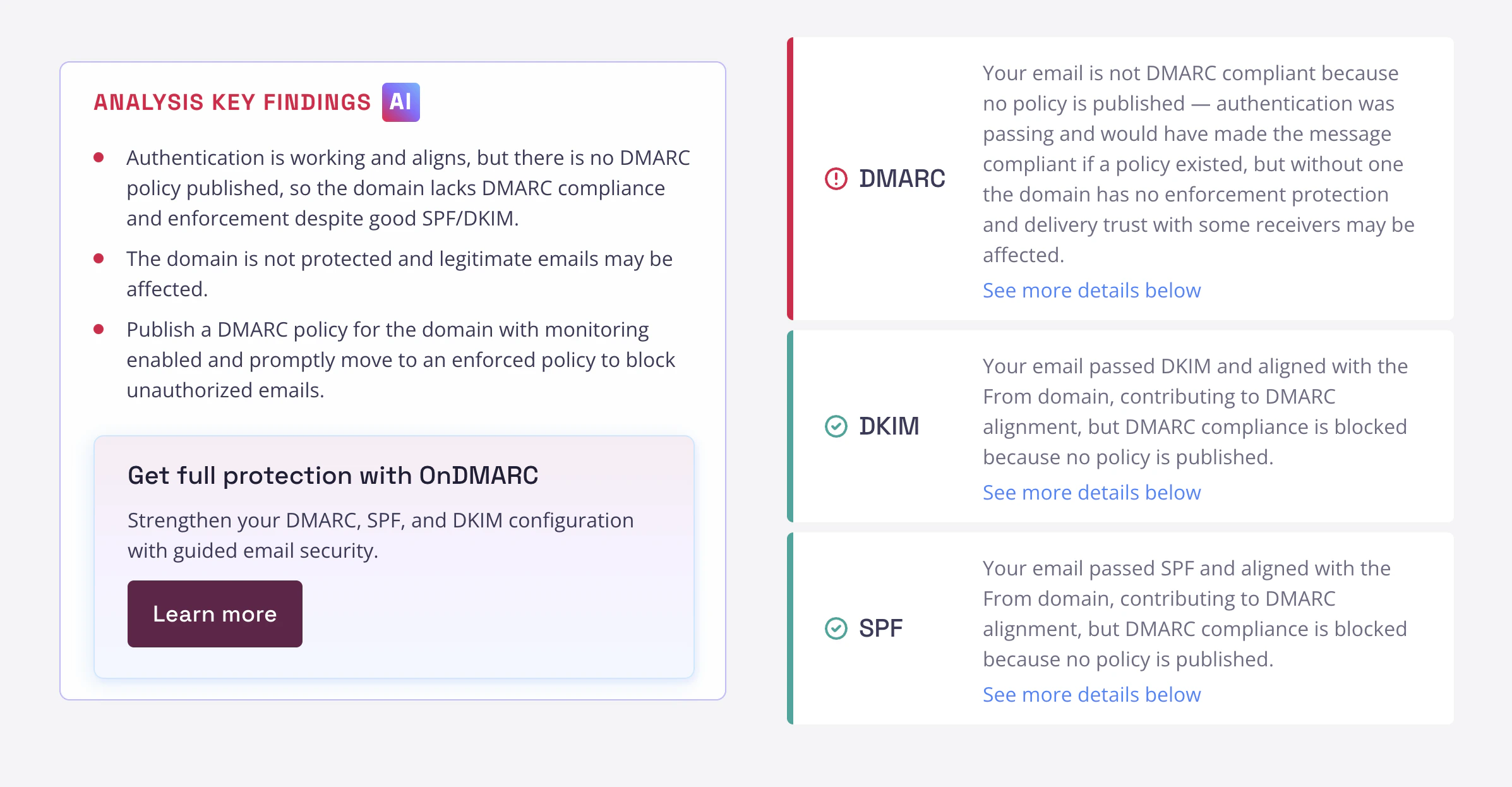
When you run an Investigate report, you'll now see a contextual AI summary alongside the results. The summary reflects the specific content of that report and includes clear action items, so you're not just looking at raw findings but also getting guidance on how to act on them. For teams using Investigate regularly, this reduces the time between running a check and knowing what to fix.
Log in to your account to see it in action. Not yet a customer? Don't worry, this feature is on the way for public Investigate soon.
Certificates
New endpoint details page
Enterprise Certificates customers now get a full breakdown of TLS configuration for each endpoint in their certificate inventory. The endpoint details page shows which TLS protocol versions, cipher suites, and named groups are in use, as well as each endpoint’s post-quantum cryptography (PQC) readiness status.
These kinds of details previously required manual investigation or separate tooling to surface. Having it in one place per endpoint makes it significantly easier to identify configuration weaknesses and prioritize remediation across your estate.
Visibility into your PQC readiness
A new dashboard provides Enterprise Certificates customers with a consolidated view of their organization’s PQC migration status, broken down into two dimensions: endpoint PQ readiness and certificate PQ readiness.
The dashboard also introduces support for post-quantum certificate types, including ML-DSA, SLH-DSA, and FN-DSA. For teams starting to map out their PQC transition, this gives you a clear baseline to work from.
Certificate trust information
Red Sift Certificates now checks public certificates against major browser root trust stores, so you can see at a glance whether a given certificate is trusted. For Lite customers, this applies to publicly issued certificates. Enterprise customers also get trust checking for private PKI, with certificates validated against custom CAs.
What’s important here is removing the guesswork. A certificate might technically be valid, but if a major browser does not trust it, it will still cause errors for end users.
Cleaner organization
Enterprise Certificates customers can now organize certificate assets into Groups and assign dedicated Teams to receive notifications for those assets.
For organizations managing certificates across multiple product lines, business units, or infrastructure owners, this makes it much easier to ensure the right people get the right alerts, without routing everything to a single shared inbox or relying on manual filtering.
Configurable expiry notifications
Lite customers can now configure when they want to receive expiry notifications. Previously, Lite accounts only had a 7-day alert window. You can now set your own notification timing to match your team’s renewal workflow, rather than aligning to a strict schedule.
Endpoint visibility
Lite customers can now see exactly which endpoints a certificate is deployed to. The deployment section is now available in the Certificate details page for Lite accounts, giving you a clearer picture of where each certificate is in use before it expires.

Natalie Hays is Senior Product Marketing Manager at Red Sift, where she drives go-to-market strategy and product positioning across the company's entire product portfolio.